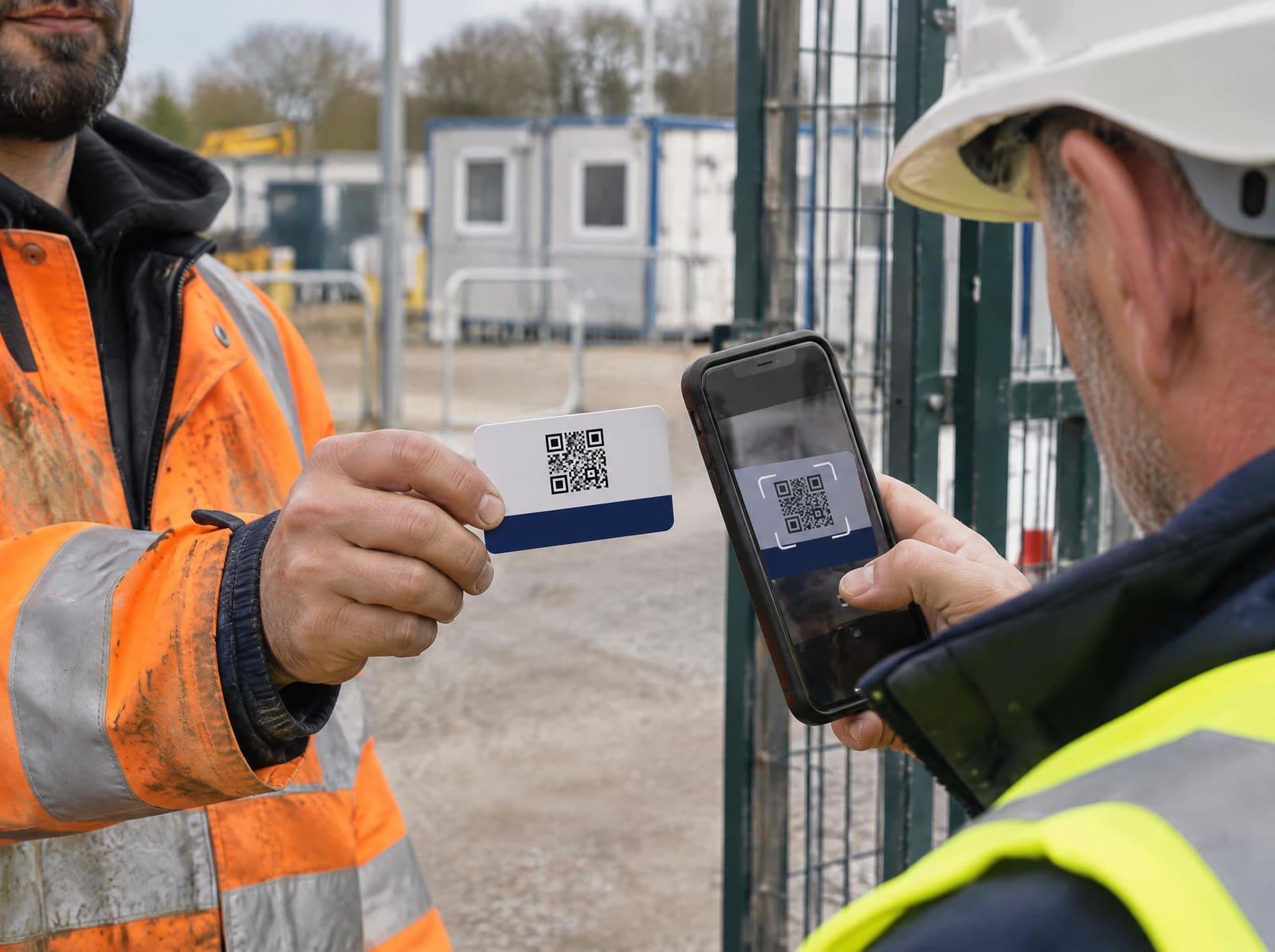
Checking a card on site
A check takes a phone and a few seconds. You do not need an account or an app, and it costs nothing.
How to check
Scan the QR code
It is on the back of the card. If the code is damaged, type the registration number from the front into the card check.
Read the status
One word at the top of the page tells you whether the card is valid today.
Match the photo
Compare the photo on the page with the person in front of you, and the name with their ID if you need to.
Find the machine
Look for the machine they will use under “Can operate”, and check its expiry date.
What the result means
- ActiveThe card is valid. Check the photo and that the machine is listed.
- ExpiredThe card has passed its expiry date. The holder needs a refresher course and test.
- SuspendedBETA has put the card on hold while it looks into a concern.
- RevokedBETA has withdrawn the card permanently.
Only Active allows the holder to work on the card. If the page says “Not on the register”, no card has that number. Check you typed it correctly. If you did, do not accept the card, because it may be forged.
If the page says it could not check the card, the register did not answer. Treat the card as unverified and try again.
What a card does not do
A BETA card is evidence that someone was trained and tested on a type of machine. It does not replace your own duties as an employer.
The Provision and Use of Work Equipment Regulations 1998 require you to make sure anyone who uses work equipment has had adequate training. For lift trucks, the HSE's approved code of practice (L117) describes three stages: basic training, training for the specific job, and familiarisation on your site with your machines. A card covers the first of these. The other two are yours to provide.
You also decide who is authorised to operate on your site. Give that authorisation in writing and keep a record of it.
Common questions
- Does checking a card cost anything?
- No. The check is free, needs no account, and works on any phone with a camera or by typing the registration number.
- Is a valid card enough for someone to operate on my site?
- A card shows the person was trained and passed an independent test on that machine. You still need to assess them on your own site, brief them on your machines and conditions, and authorise them in writing.
- Why does the check ask for nothing but the number?
- So that a site manager can check a card in seconds. The result shows the holder's photo and name so you can match them to the person in front of you. It never shows their date of birth or address.
- What if the card shows Expired?
- The holder's training on the register has run out. They need a refresher test at an approved centre before the card shows Active again.
Reporting a concern
Tell BETA if you see a card that looks forged, a holder who is plainly not competent, or a training centre cutting corners. Every report is logged and looked into, and you can ask for your name to be kept from the centre.